PerlStudio - Video Editor
A downloadable tool for Windows
PerlStudio
A lightweight video editor.
About
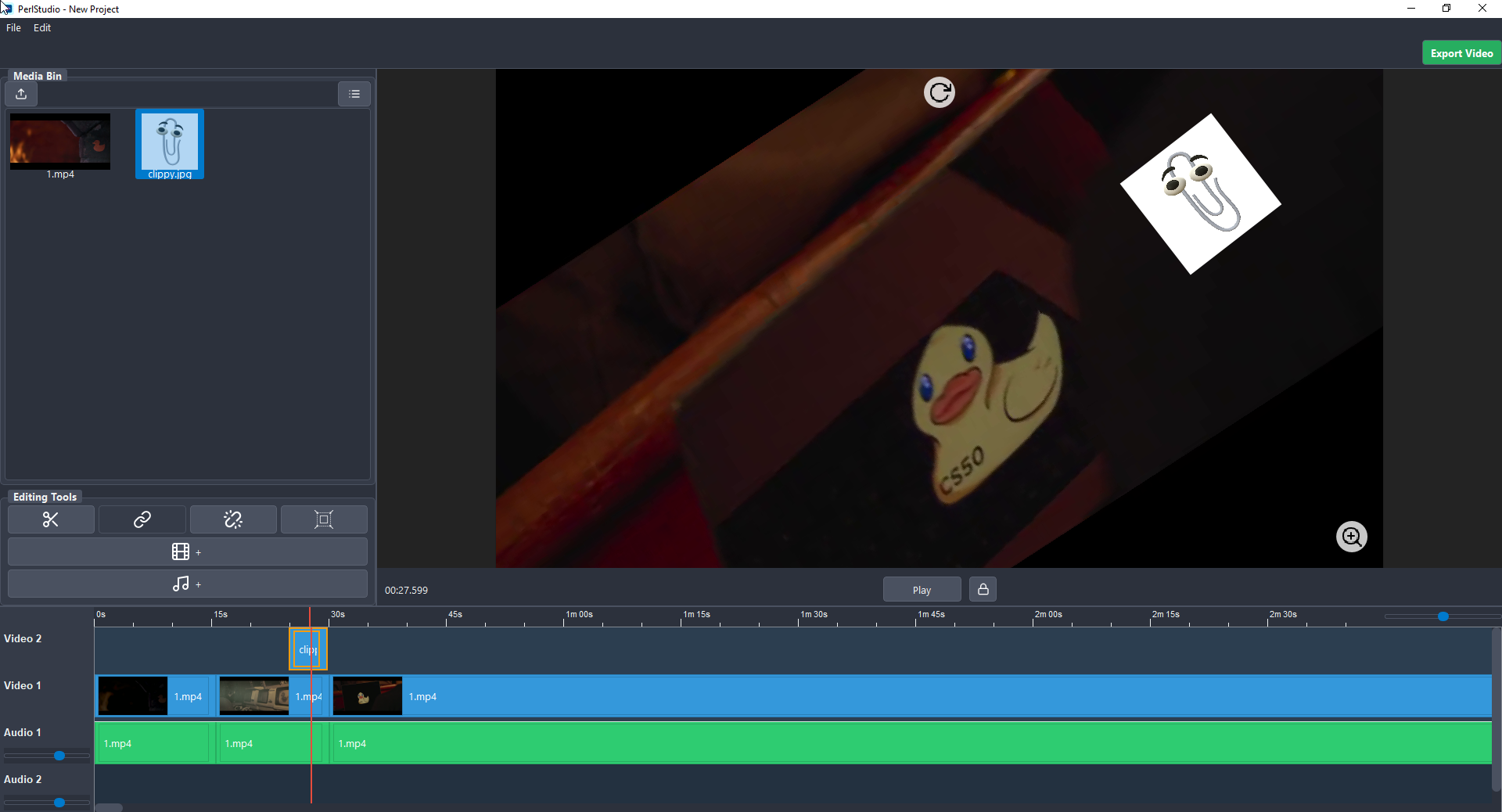
I wanted a video editor that has a Vegas Pro and Premiere Pro-like workflow but is lightweight for simple edits. I used the MoviePy library for Python, which means render time is much slower, but I think the workflow is good.
It has support for horizontal and vertical editing, with 1080p and 720p resolutions for now.
A Note on Performance: Because this is a Python app using MoviePy, the final render times are much slower than commercial software. It's a trade-off for the workflow and for being a free, lightweight tool!
✨ The Clipboard Workflow
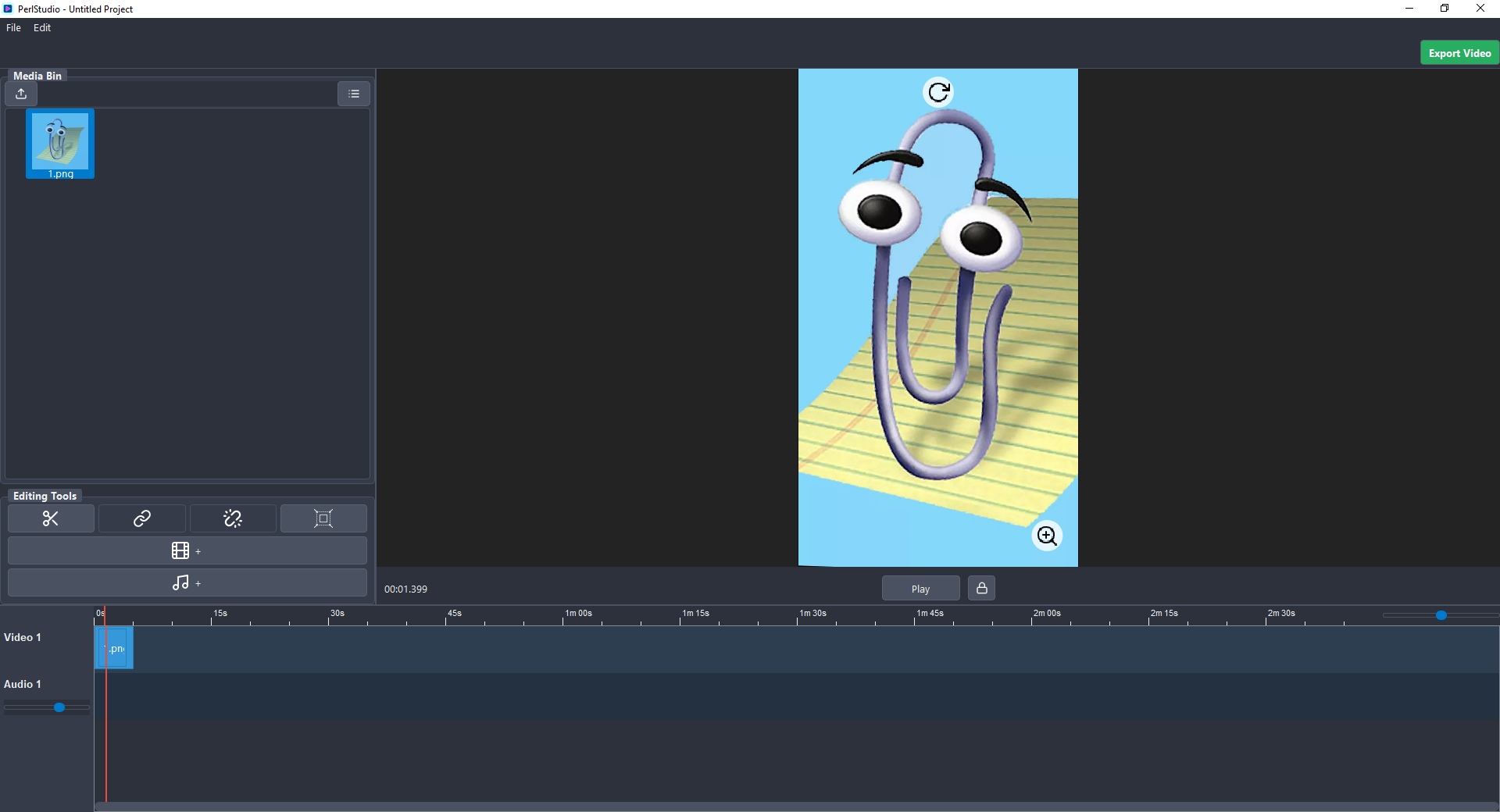
I also built a text tool separately (Text FX) that can generate PNGs. For speed, I added a copy-to-clipboard function in the Text FX app and a paste-from-clipboard function in the video editor. This lets you paste text images and other pictures directly onto the timeline.
Controls
| Key(s) | Action |
| S | Split |
| U | Unlink / Link |
| Shift + Click | Select range |
| Ctrl + Click | Select multiple |
| Ctrl + A | Select all |
| Ctrl + N | New Project |
| Ctrl + O | Open Saved Project |
| Ctrl + S | Save Project |
| Ctrl + M | Render |
| Enter | Play / Pause |
| Ctrl + C / Ctrl + X | Copy / Cut timeline media files. |
| Ctrl + V | Paste copied clips or an image from your clipboard (supports transparency). |
| Right-Click Clip | Reverse, Fade In/Out, and other options. |
| Drag Edge | Change the size of the timeline media. |
| Ctrl + Drag Edge | Speed up or slow down media. |
Feedback
All feedback helps.
Download
Click download now to get access to the following files:
Leave a comment
Log in with itch.io to leave a comment.